Matt Palmer Showcases Grok Bot's Pages, Vault, 1Password, Apple Home, Video Creation, and X Spaces in 39.7M View Walkthrough

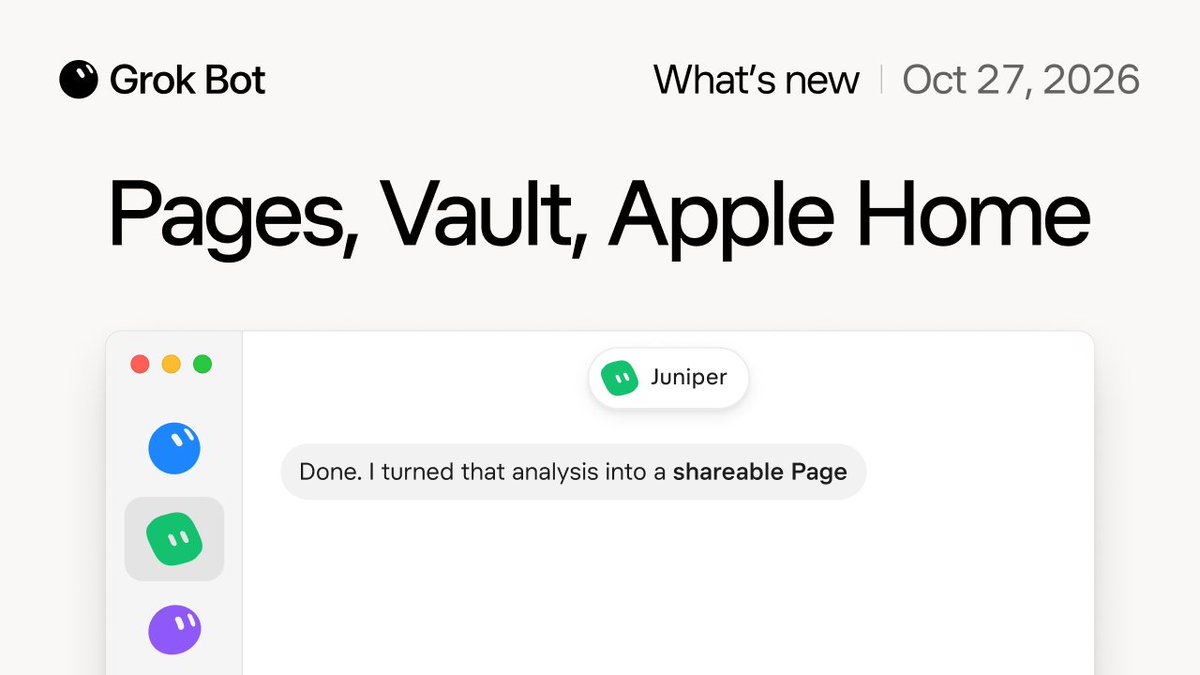
What's New in Grok Bot 00:00 🎃 00:13 Pages in Grok Bot 01:09 Vault 02:05 1Password 02:21 Apple integrations 03:21 Bot makes videos 03:47 New bot characters 04:13 X Spaces 04:31 Font fun 04:54 Design polish 05:11 Rapid fire
Context
Combining shareable Pages, encrypted Vault credentials with 1Password sync, Apple Home and macOS integrations, autonomous video production, and live X Spaces participation in one desktop and mobile agent demonstrates how Grok Bot is evolving into an all in one personal operating layer.
Alongside the rollout of Grok Bot 0.77.0 on October 27, Matt Palmer published a seven minute and forty four second video walkthrough demonstrating the latest consumer and developer capabilities added to Grok Bot. Elon Musk quoted the video thirty minutes later, propelling the demonstration past 39.7 million views and 8,000 bookmarks.
Deep dive
Matt Palmer published a comprehensive seven minute and forty four second video walkthrough titled What's New in Grok Bot on Tuesday afternoon, demonstrating a slate of major feature additions across workspaces, security, smart home control, media generation, and social audio. Quoted by Elon Musk shortly after publication, the video quickly became the most watched AI product demonstration of the week with more than 39.7 million views on the original post and 38.3 million views on Musk's quote post.
The walkthrough opens with Pages in Grok Bot, which lets a bot turn research analyses, dashboards, and documents into clean, shareable web pages directly beside the chat thread. Palmer then demonstrates Vault and native 1Password integration, allowing users to store logins, credit cards, and contact details or sync an existing 1Password vault so Grok Bot can fill credentials and complete purchases without exposing plaintext secrets in chat.
On Apple devices, the video highlights native integrations spanning Apple Home, Calendar, Mail, Reminders, and Messages, enabling Grok Bot to control smart home accessories and coordinate personal schedules. The second half of the showcase covers autonomous video creation inside Grok Bot, customizable new bot character avatars such as Juniper, live participation in X Spaces, custom typography options, interface design polish, and a rapid fire round of quality of life improvements.
What to expect next
Consolidating document publishing via Pages, credential management via Vault and 1Password, local Apple ecosystem hooks, and multi step video generation into one persistent agent removes the friction that previously kept AI assistants confined to text chat. Expect rapid user adoption across macOS and iOS as consumers and developers connect 1Password vaults and Apple Home setups to their personal Grok Bots.